Update, August 2026: The app has launched. The iOS version has been on the App Store since 16 July 2026 and is now at version 1.3.0 — with certificates in your profile, Live Activity on the lock screen and offline search. The Android version is still to come. Everything added since is listed in the app changelog. The text below describes the state of things before launch.
The Techlogia Lab is getting company: the Techlogia Lab app for iOS and Android. For the first time, you can truly take the learning platform with you: real Linux VMs, a real terminal, real task validation. On the bus, during a break, on the couch.
Your VM simply keeps running
The most important part first: the app is not a stripped-down second system. Your lab session runs on our servers — the app connects to the same VM you started at your desk. Begin a lesson on your laptop, open the terminal in the app and continue exactly where you left off. Or the other way around.
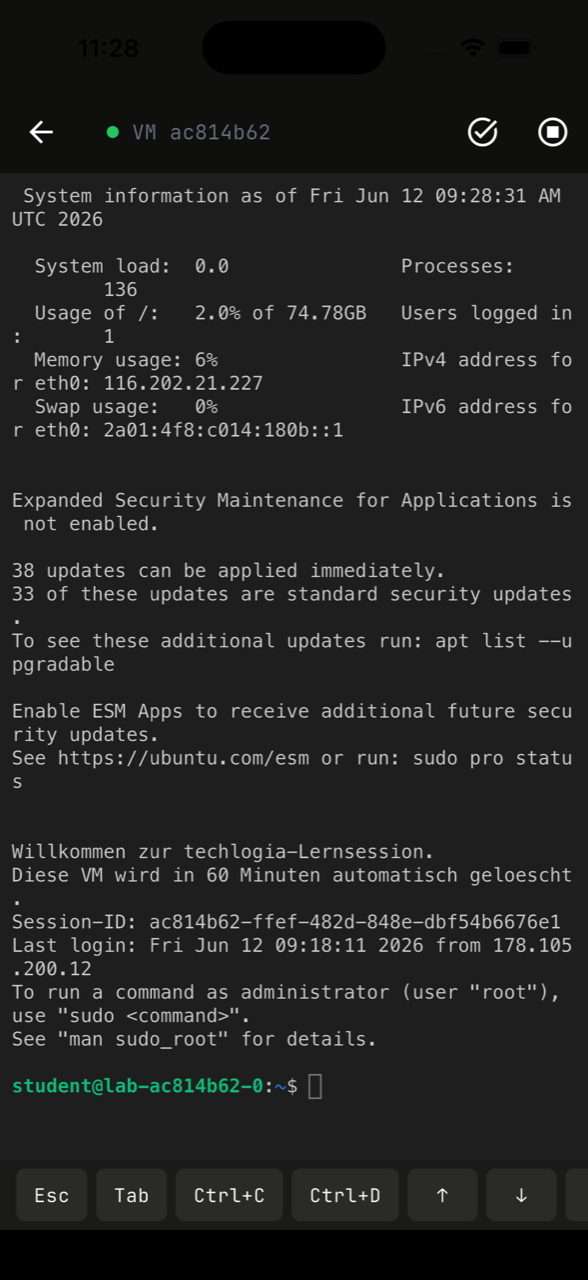
To keep typing on a phone from being a pain, the terminal has its own key bar: Esc, Tab, Ctrl+C, Ctrl+D and arrow keys are always one thumb away.
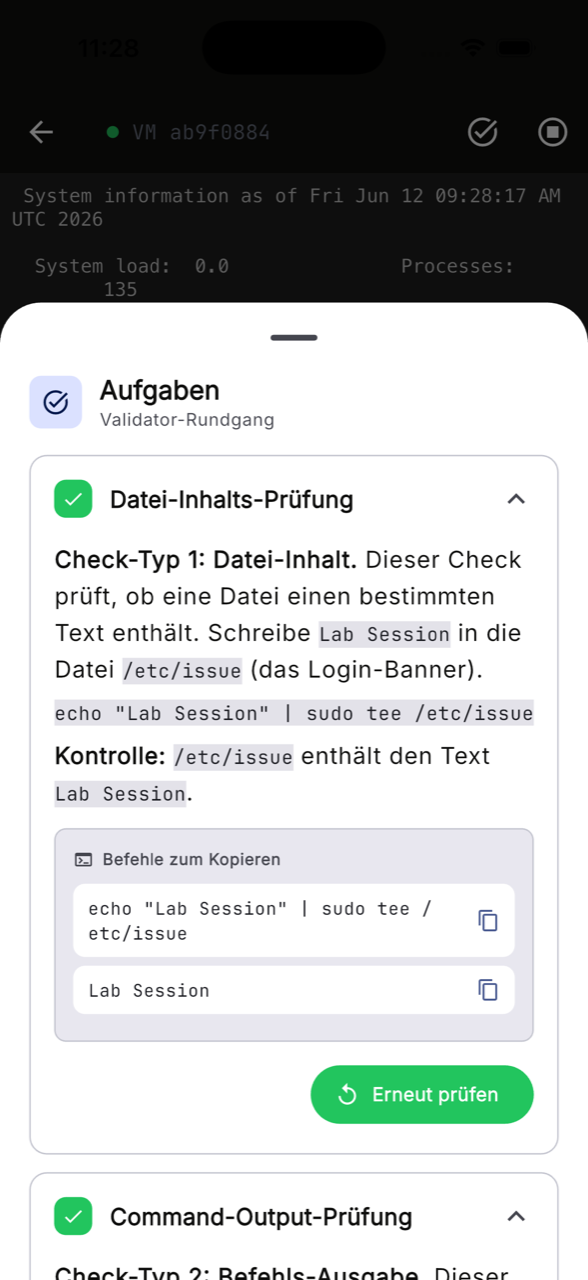
Validate tasks right in the app
Automatic task validation is on board too: type your commands, run the check — and get green checkmarks as soon as your configuration is correct. Commands from the task description can be copied straight into the terminal.
Everything at a glance: modules, sessions, news
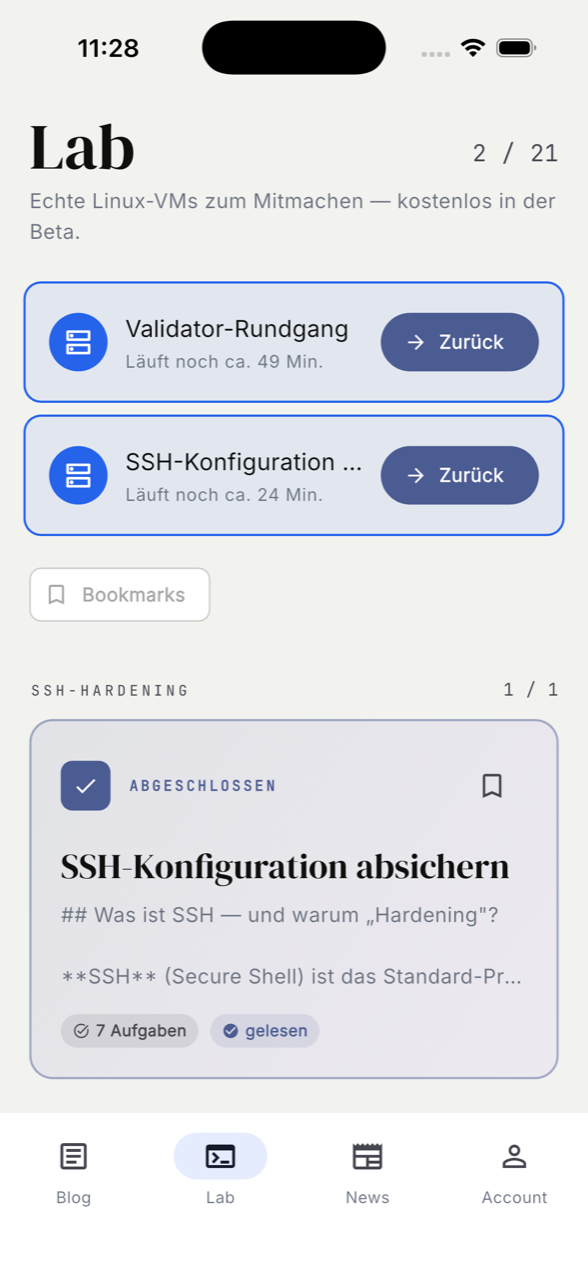
The lab overview shows running sessions with remaining time, your module progress, bookmarks and news — with the same login as on the web. Email, Google, EduPlaces or class code: everything works in the app right away, no new account needed.
For schools, nothing changes — except the place
Students sign in as usual with class code and login name. Module approvals, progress and homework are identical to the web — teachers don't have to set up anything new.
Availability
The iOS version has been available in the App Store since 16 July 2026; the Android version is still to come. The app is free; the same plans as on the web apply. What each version added is listed in the app changelog, and the bell in the lab announces news. All the details are on the lab page and in the documentation.