Lab for Teachers
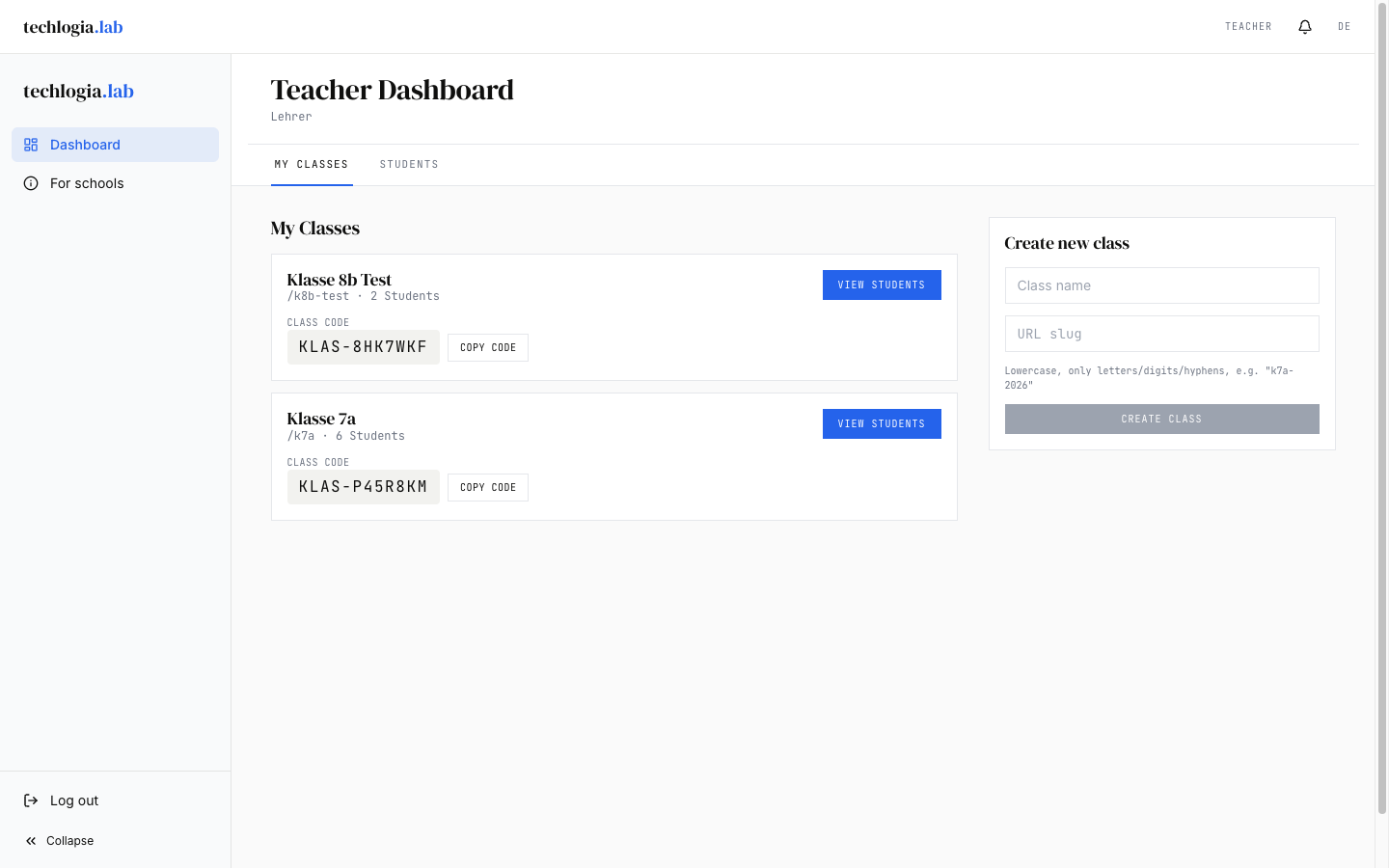
As a teacher you manage your classes in the Lab: you add students, assign homework, curate visible modules, and monitor class progress.
Topics in this section
-
Manage classes
Create a class, share the class code, add or remove students.
-
Homework
Assign lessons with a deadline to your class and review who has completed them.
-
Modules & quota
Which modules are visible for your class? How many sessions per day?
-
Class progress
Who has solved which task? Where are the blockers?
Prerequisite
You need a teacher account. This is not self-served, it is created by your school admin or by the Techlogia team:
- You receive an invitation email with an activation link
- The link lets you set your password
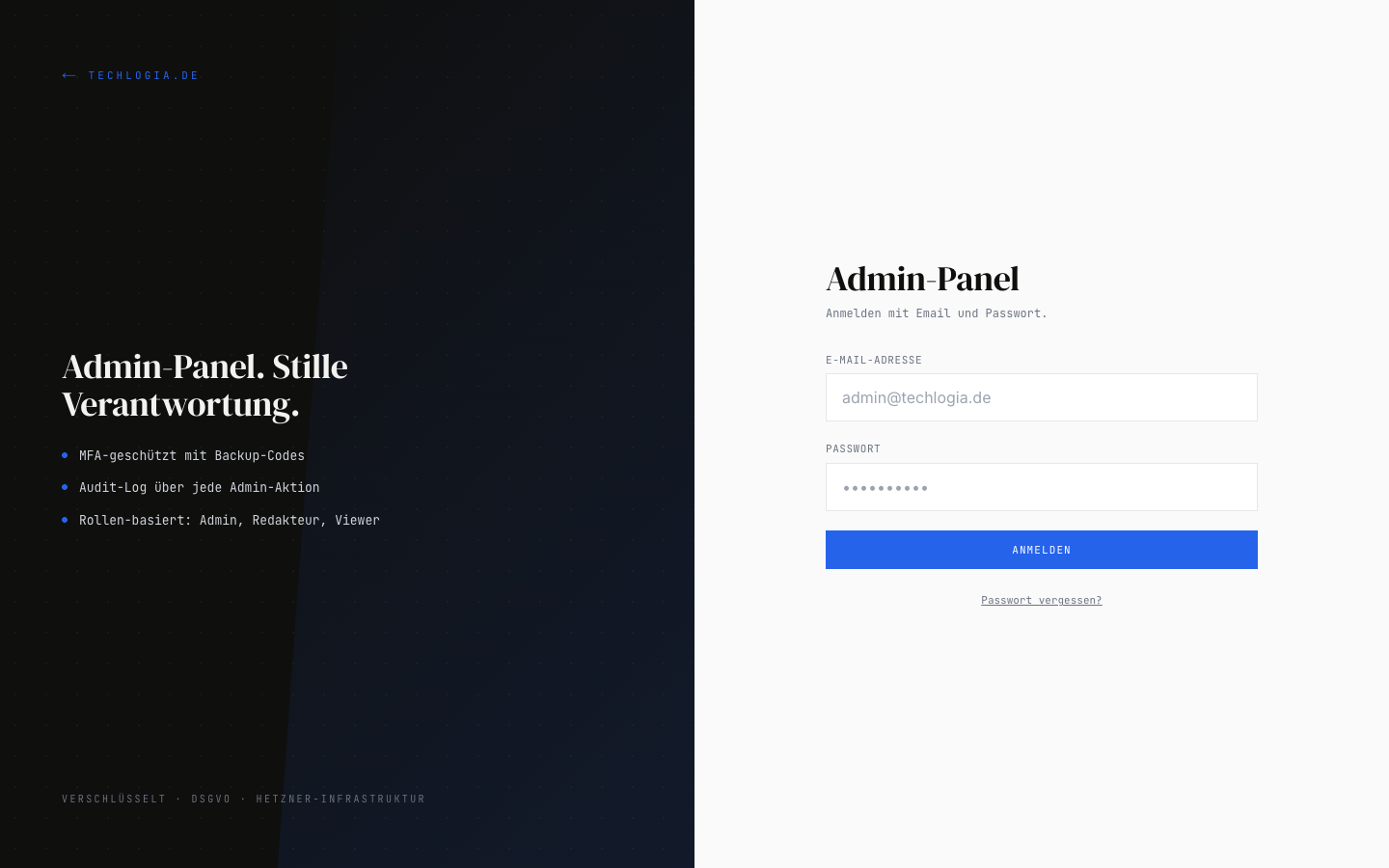
- After that, log in at techlogia.de/lab/auth/login
After login you land directly in the teacher dashboard at techlogia.de/lab/lehrer/dashboard.
Login page
The teacher login uses techlogia.de/admin/login – the same page used by school admins and platform admins. After a successful login the Lab routes you to the matching view.
What a teacher cannot do
- No new teachers – that's the school admin.
- No module/lesson/task editing – that's the platform admin (Techlogia).
- You see only your own classes, not those of your colleagues.
- No student password resets – that's Techlogia support or the school admin. (Class-code students don't have a personal password.)
Quick start
graph LR
    A[Create class] --> B[Share class code]
    B --> C[Add students]
    C --> D[Curate modules]
    D --> E[Assign homework]
    E --> F[Review progress]
Typically under 10 minutes from a new account to a class with first students and homework. Details in Manage classes.
What's new?
New features, improvements and bug fixes are always listed under Changelog & What's New — so you and your school stay up to date.